Free training
Salesforce DevOps with sfdx-hardis: the free course
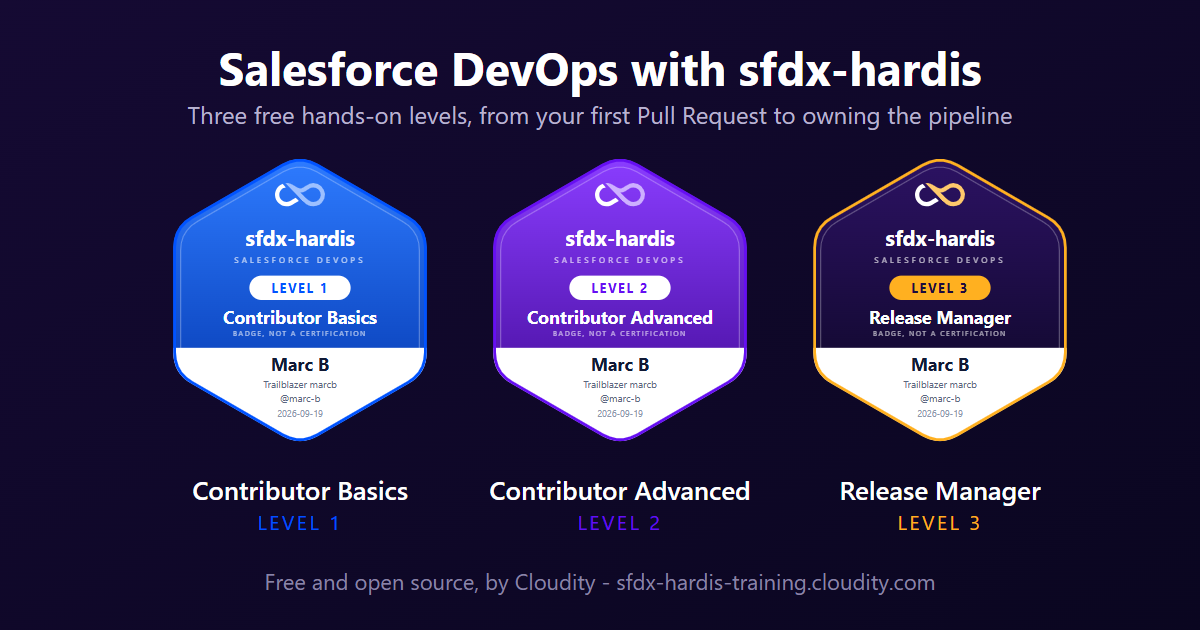
Salesforce DevOps with sfdx-hardis builds a complete Salesforce CI/CD pipeline on free orgs, click by click in VS Code, with the same sfdx-hardis tools this documentation describes. Every lab has screenshots of the real screens, and every level ends with a badge you can share. It is free and open source, like sfdx-hardis.
What you need
- A computer you are allowed to install software on. Not allowed to? The course also runs in Agentforce Vibes, which is VS Code in a browser tab, and in Cursor. Follow it in VS Code, Agentforce Vibes or Cursor, and keep the same one from start to finish.
- A free GitHub account.
- One free Salesforce Developer Edition org to start with, and one more at Level 3.
- Nothing else: no paid service, no license, no credit card.
The three levels
Level 1 - Contributor basics
From your first User Story to a merged Pull Request. 7 labs, about 2 h 15.
- Lab 1.1 - Install VS Code, Git and sfdx-hardis
- Lab 1.2 - Create your Dev Hub, scratch orgs and CI/CD pipeline
- Lab 1.3 - Start a User Story on its own Git branch
- Lab 1.4 - Build a custom field in your Salesforce org
- Lab 1.5 - Retrieve, commit and publish your Salesforce changes
- Lab 1.6 - Open a Pull Request, pass the deployment check, merge
- Lab 1.7 - Capstone: deliver a User Story on your own
Level 2 - Contributor advanced
Deployment errors, deployment actions, code quality and merge conflicts. 9 labs, about 4 h, after Level 1.
- Lab 2.1 - Backpromote: catch your dev org up with the team
- Lab 2.2 - Fix a deployment error caused by a missing dependency
- Lab 2.3 - Fix broken records with an Apex deployment action
- Lab 2.4 - Ship reference data and a batch with deployment actions
- Lab 2.5 - Pass the code quality gate and Apex test coverage
- Lab 2.6 - Permission sets, profiles and why a grant disappears
- Lab 2.7 - Resolve a Git merge conflict with a teammate
- Lab 2.8 - Recover from committing the wrong metadata
- Lab 2.9 - Capstone: deliver a User Story that has it all
Level 3 - Release Manager
The pipeline up to production: releases, hotfixes, monitoring. 11 labs, about 6 h 55, after Level 2.
- Lab 3.1 - Configure the CI/CD pipeline up to production
- Lab 3.2 - Review and merge a contributor Pull Request
- Lab 3.3 - Read the deployment log, and what .forceignore hides from it
- Lab 3.4 - Three Pull Requests in one release: review the merge order
- Lab 3.5 - Promote to UAT and write the release notes
- Lab 3.6 - Release to production and read your DORA metrics
- Lab 3.7 - Production is broken: hotfix and retrofit
- Lab 3.8 - Monitor your production org
- Lab 3.9 - Generate the Salesforce project documentation
- Lab 3.10 - Promote a subset with promotion branches (Beta)
- Lab 3.11 - Capstone: run a weekly release cycle
Badges
Each level ends with a Cloudity badge, on a page you can share on LinkedIn. To award it, a job clones your public repository and runs every check of the level against it again: the work is checked, not the answers to a quiz. It is a badge, not a certification.
See who earned one.
Languages
The course is available in English and French.