hardis:project:dev-org:remove
Description
Command Behavior
Removes a developer sandbox or a scratch org from the development orgs list of the project.
The list lives in a "Development Orgs Dashboard" of the git provider: see hardis:project:dev-org:list. Remove an org when it was deleted, or when nobody uses it anymore: sfdx-hardis only marks an org stale after devOrgsStaleDays days without activity, it never removes it on its own. An expired scratch org, or a refreshed sandbox (registered again under a new org id), leaves the list without this command.
--org-idnames the org to remove, without connecting to it;- without it, the command lists the registered orgs and asks which one to remove, then asks for a confirmation. In agent mode and in CI, it removes the org of
--target-org(the default org when omitted).
Read more in the Development orgs documentation.
Technical explanations
- A removal is written as a comment of the dashboard, then the comments of the org are deleted when this account may delete them. The removal comment goes last, once nothing it hides is left: a comment written by another account stays hidden behind it.
- Nothing is done in the org itself.
- With
--json,removedholds the entry that was removed.
Agent Mode
Supports non-interactive execution with --agent:
sf hardis:project:dev-org:remove --agent --org-id 00D000000000001AAA
In agent mode, --org-id or --target-org is required, and no confirmation is asked.
Screenshots
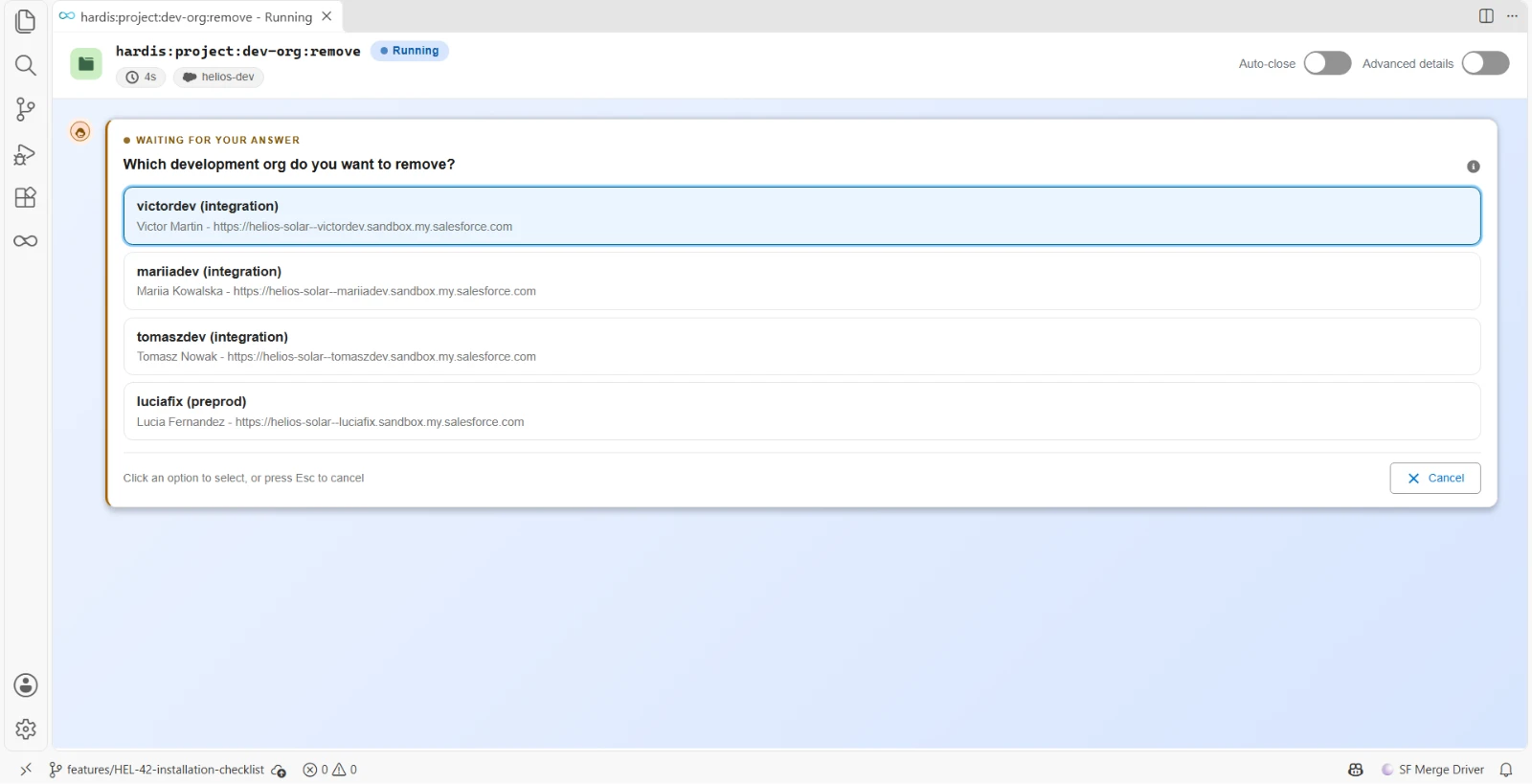
Pick the development org to remove from the list
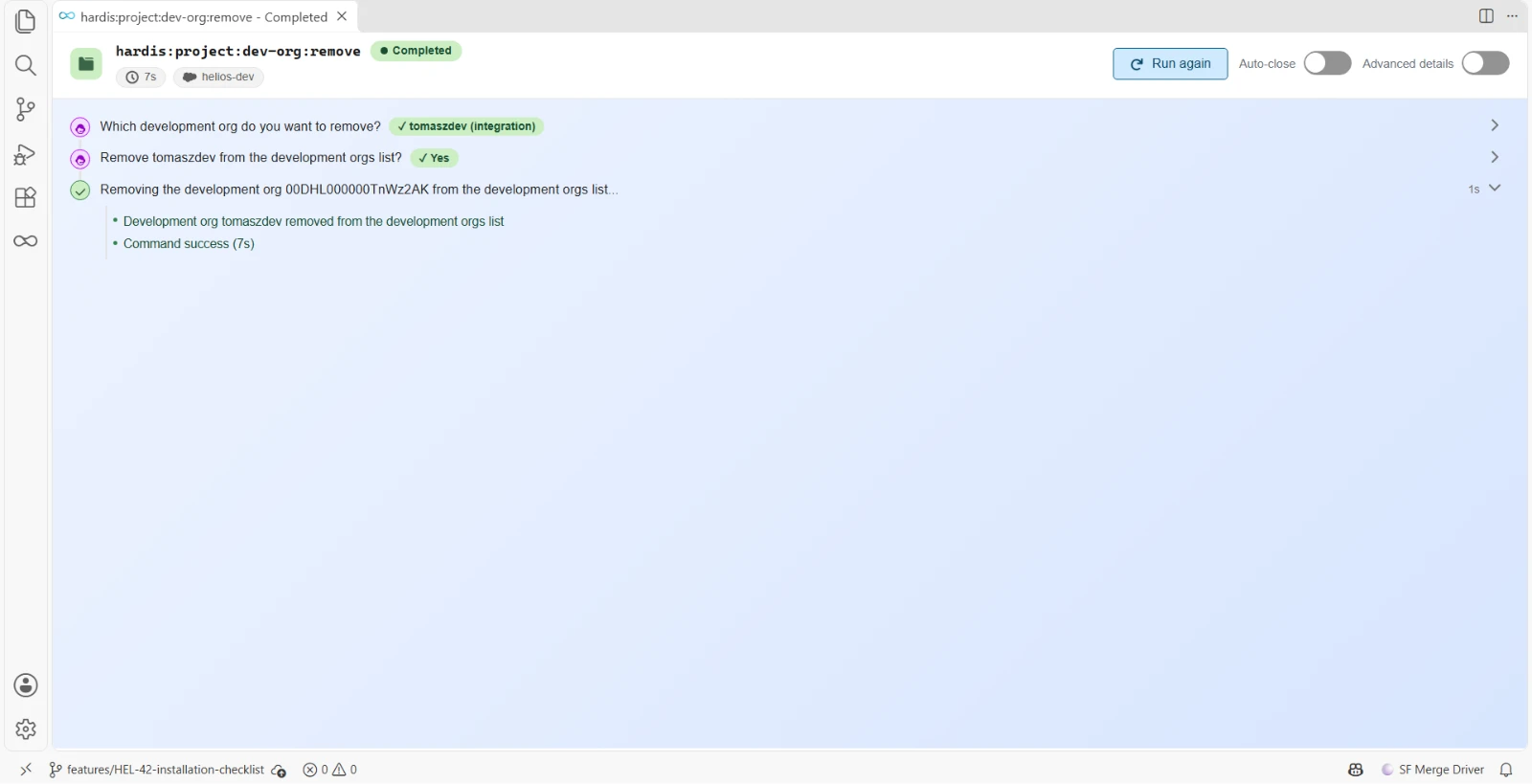
The sandbox tomaszdev, nobody uses anymore, removed from the development orgs list
Parameters
| Name | Type | Description | Default | Required | Options |
|---|---|---|---|---|---|
| agent | boolean | Run in non-interactive mode for agents and automation | |||
| debug -d |
boolean | Activate debug mode (more logs) | |||
| flags-dir | option | Import flag values from a directory. | |||
| json | boolean | Format output as json. | |||
| org-id | option | Org id of the registered org to remove | |||
| skipauth | boolean | Skip authentication check when a default username is required | |||
| target-org -o |
option | Username or alias of the target org. | |||
| websocket | option | Websocket host:port for VsCode SFDX Hardis UI integration |
Examples
$ sf hardis:project:dev-org:remove
$ sf hardis:project:dev-org:remove --org-id 00D000000000001AAA
$ sf hardis:project:dev-org:remove --agent --org-id 00D000000000001AAA