hardis:org:diagnose:flex-queue
Description
Counts AsyncApexJob records with Status = 'Holding' (Apex flex queue), including ApexClass.Name, JobType, and CreatedDate for each job. The org can hold at most 100 such jobs; when the queue is full, new queueable/batch work can fail or stall.
- Alert: when the count is greater than or equal to
--threshold(default 90), or from env APEX_FLEX_QUEUE_THRESHOLD. - Severity: error when count reaches 100 (queue full); warning when count is at or above the threshold but below the max.
This command is part of sfdx-hardis Monitoring and can output Grafana, Slack and MsTeams Notifications.
Agent Mode
Supports non-interactive execution with --agent:
sf hardis:org:diagnose:flex-queue --agent --target-org myorg@example.com
In agent mode, the command runs fully automatically. The --threshold defaults to 90 (or APEX_FLEX_QUEUE_THRESHOLD env var) when not provided.
Screenshots
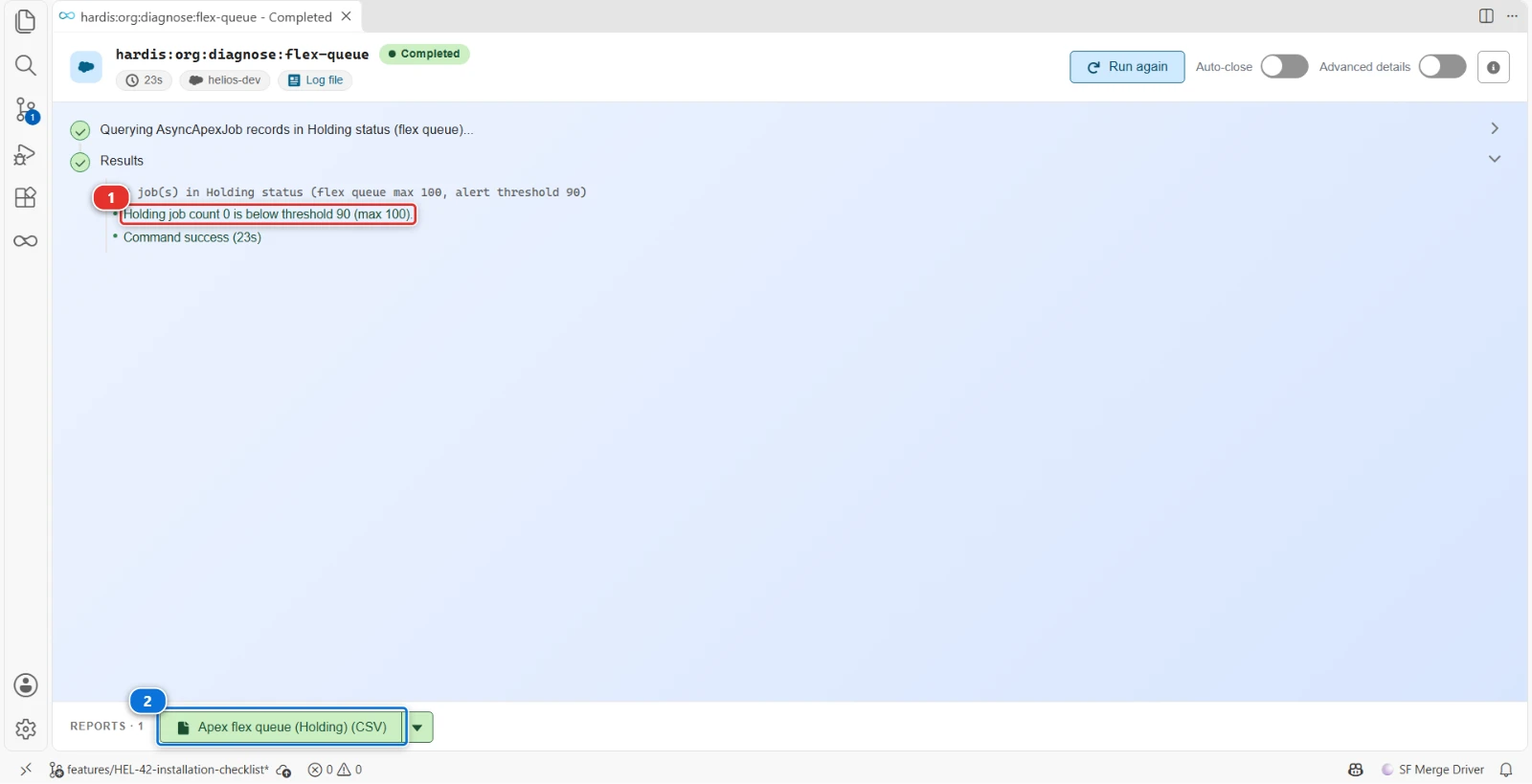
Apex jobs holding in the flex queue of the Helios org, counted against the alert threshold of 90 out of 100
- (1) The alert fires at 90 jobs, Salesforce refuses new ones at 100
- (2) One row per job waiting in the queue
Reports
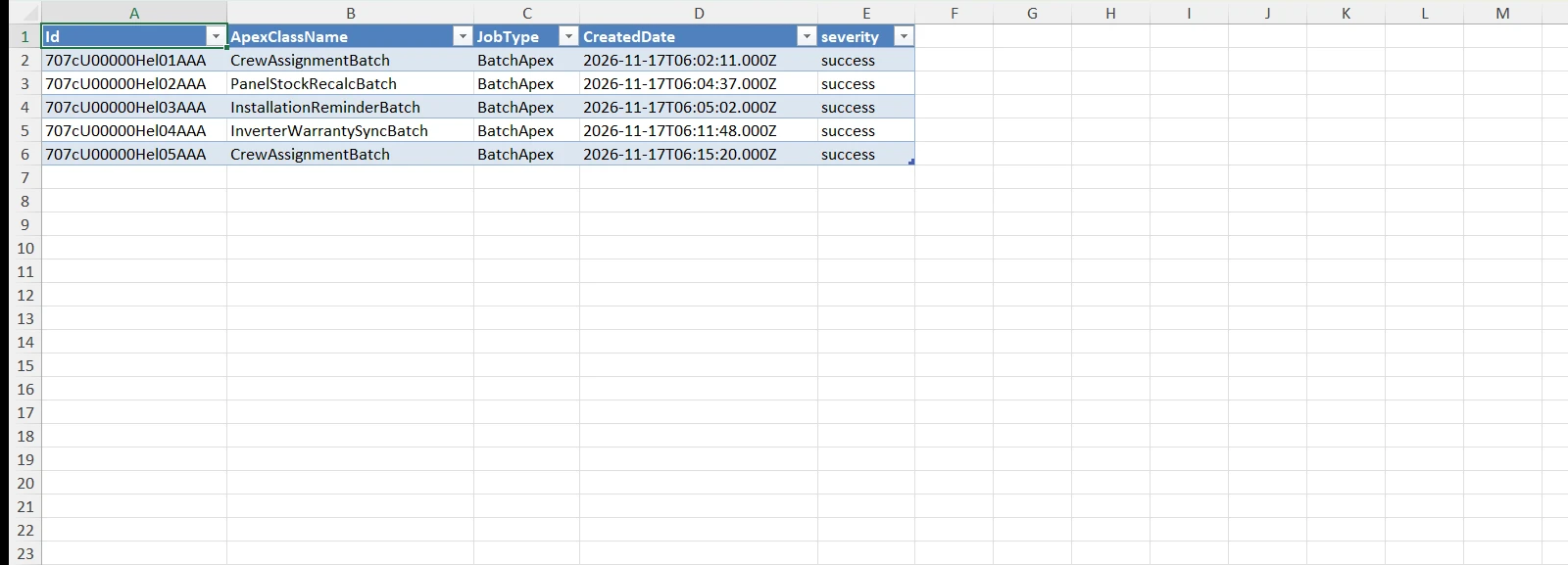
The command writes these reports in the hardis-report folder of the project: a CSV file, and its Excel copy (XLSX) in the xls sub-folder.
Flex queue jobs
One row per Apex job in Holding status, with its Apex class, job type and creation date.
Files: flex-queue-holding-*.csv, xls/flex-queue-holding-*.xlsx
Parameters
| Name | Type | Description | Default | Required | Options |
|---|---|---|---|---|---|
| agent | boolean | Run in non-interactive mode for agents and automation. Uses default values and skips prompts. | |||
| debug -d |
boolean | Activate debug mode (more logs) | |||
| flags-dir | option | Import flag values from a directory. | |||
| json | boolean | Format output as json. | |||
| outputfile -f |
option | Force the path and name of output report file. Must end with .csv | |||
| skipauth | boolean | Skip authentication check when a default username is required | |||
| target-org -o |
option | Username or alias of the target org. Not required if the target-org configuration variable is already set. |
true | ||
| threshold -t |
option | Alert when Holding job count >= this value (1–100). Overrides APEX_FLEX_QUEUE_THRESHOLD env var (default: 90). | |||
| websocket | option | Websocket host:port for VsCode SFDX Hardis UI integration |
Examples
$ sf hardis:org:diagnose:flex-queue
$ sf hardis:org:diagnose:flex-queue --threshold 95
$ sf hardis:org:diagnose:flex-queue --outputfile ./reports/flex-queue-holding.csv
$ sf hardis:org:diagnose:flex-queue --agent